Appearance
Endpoints
An endpoint is a delivery destination for notifications.
Panels
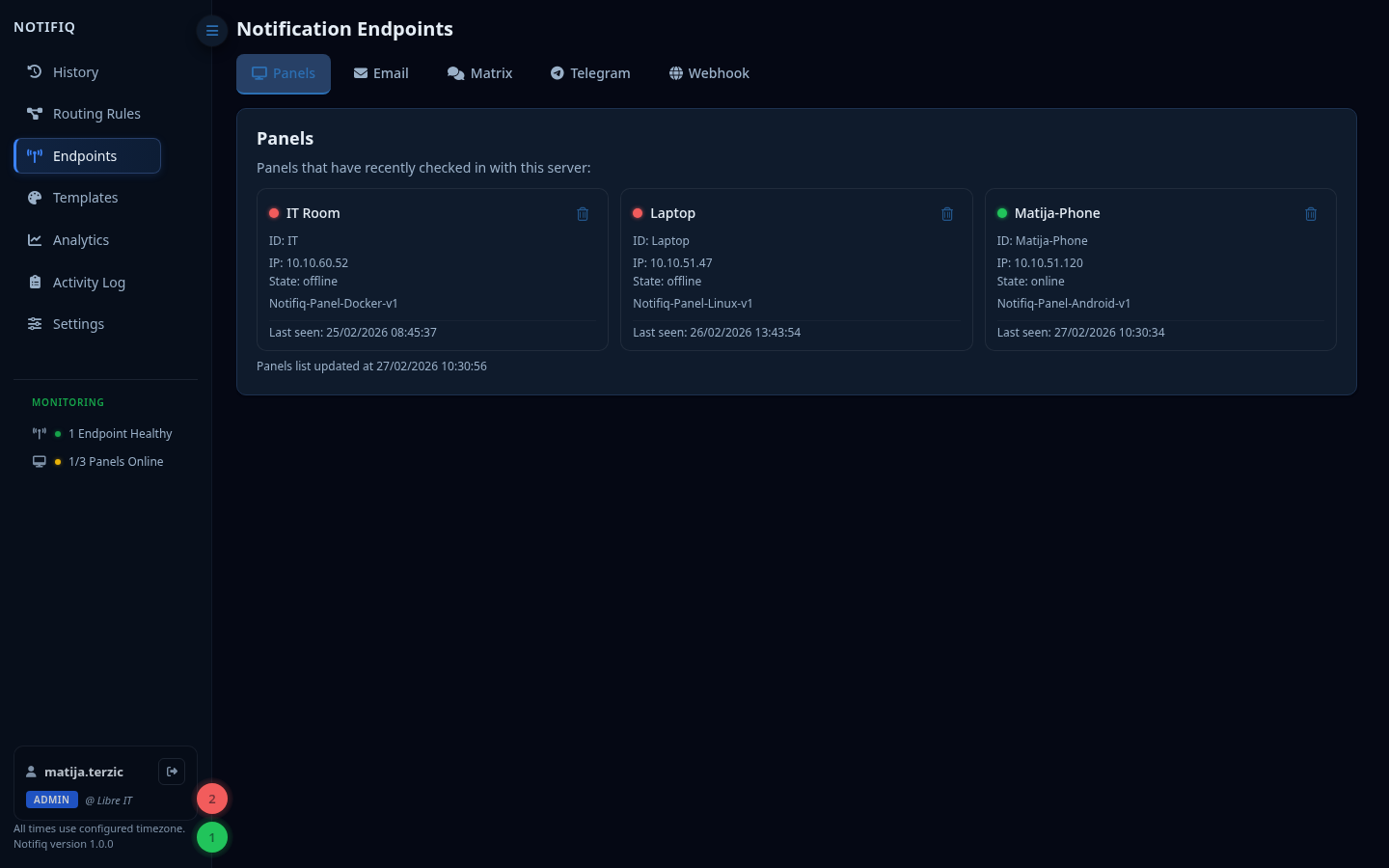
Panels display notifications in real time on a dedicated screen.
Android App
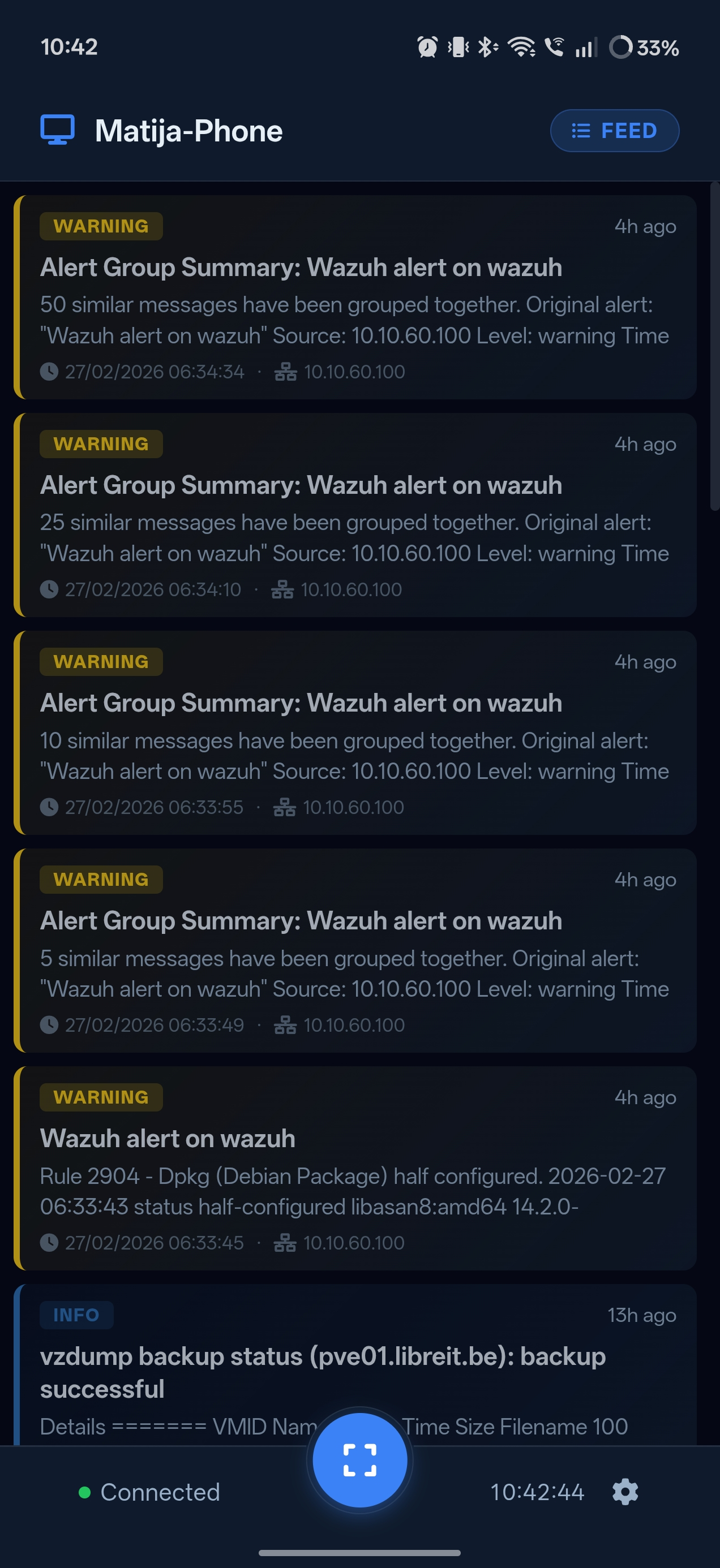
Install the Notifiq Android app, configure it with your server URL and an API token. The app maintains a persistent connection and displays incoming alerts immediately.
Modes:
- Feed — scrollable list of recent messages
- Alert — full-screen overlay for notifications
Linux App
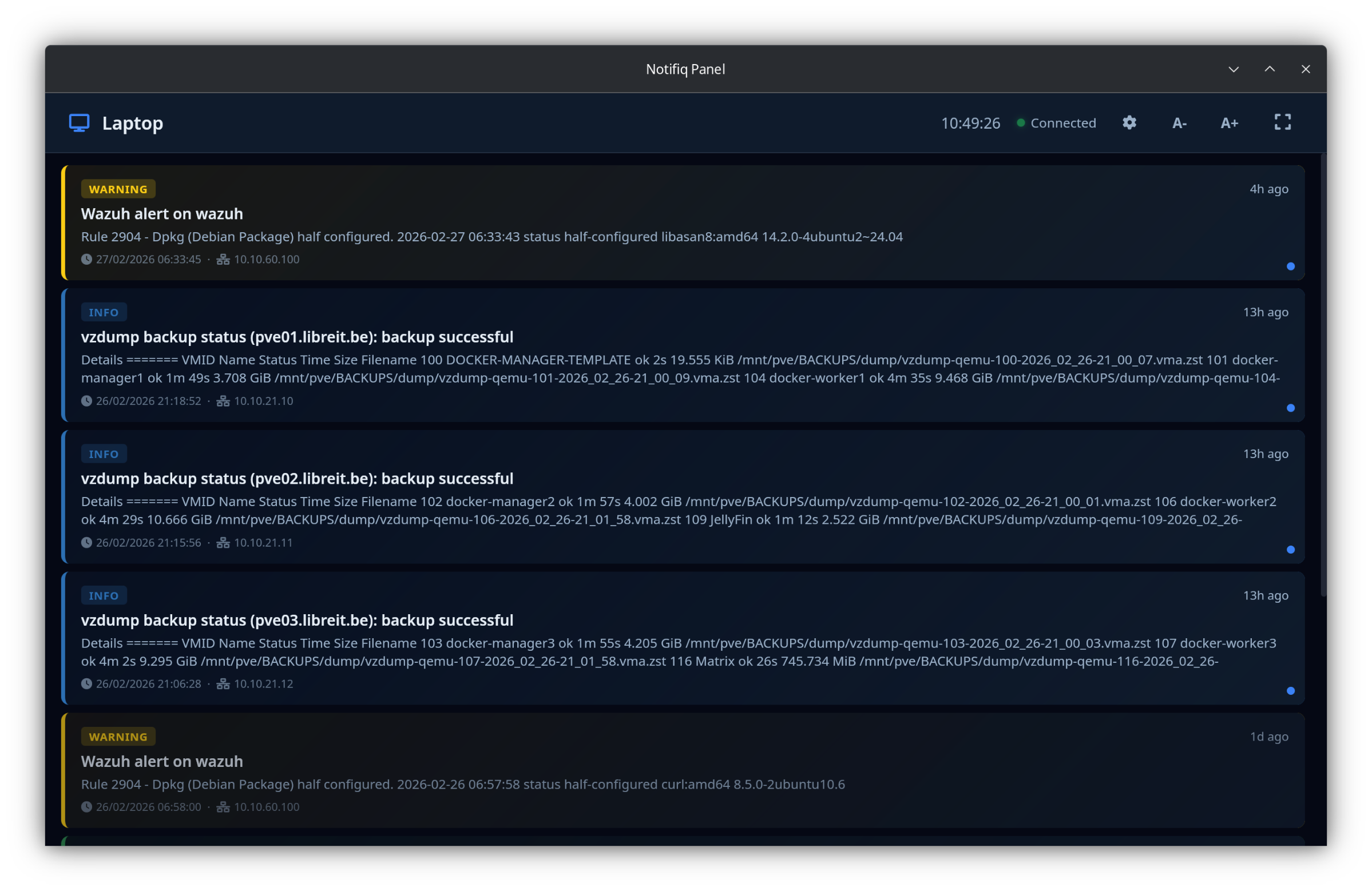
A desktop application that shows Notifiq notifications.
Docker Panel
A lightweight browser-based panel served as a Docker container. Useful for dedicated display screens (TV, monitor) without installing a native app.
Setup:
Download the panel files:
Configure
.env:
bash
# URL of your Notifiq server
NOTIFIQ_URL=https://notifiq.yourdomain.com

# API token — create one in Settings → API Tokens
API_TOKEN=your-api-token

# Optional
PANEL_ID=panel-1
PANEL_NAME=Office Panel
DEFAULT_MODE=feed- Start the panel:
bash
docker compose up -dThe panel is then available at http://<host>:8081.
Display modes:
- Feed — scrollable list of recent messages
- Alert — full-screen overlay, one message at a time
Email
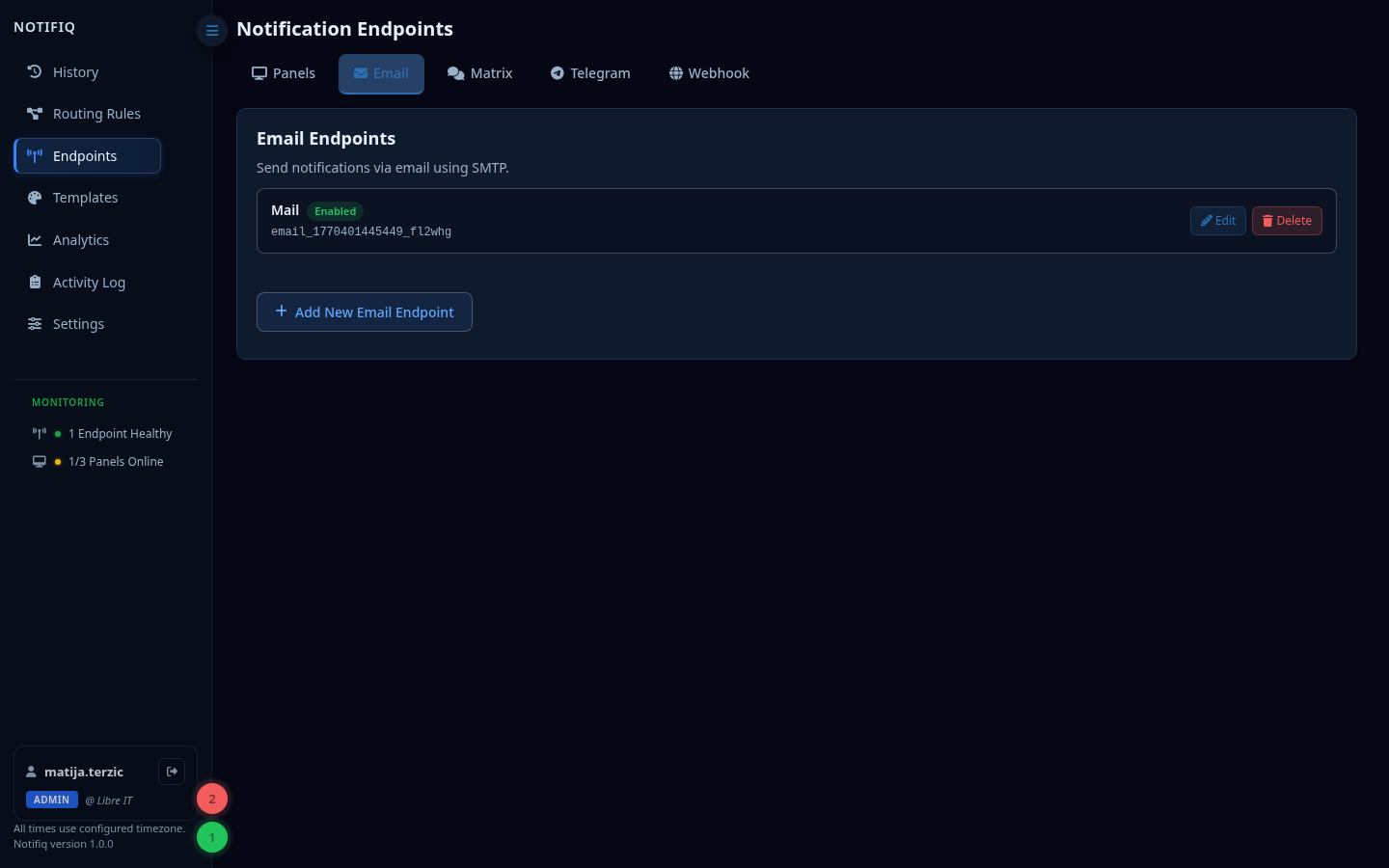
Send notifications as emails via any SMTP server.
Customizable in Templates.
Matrix
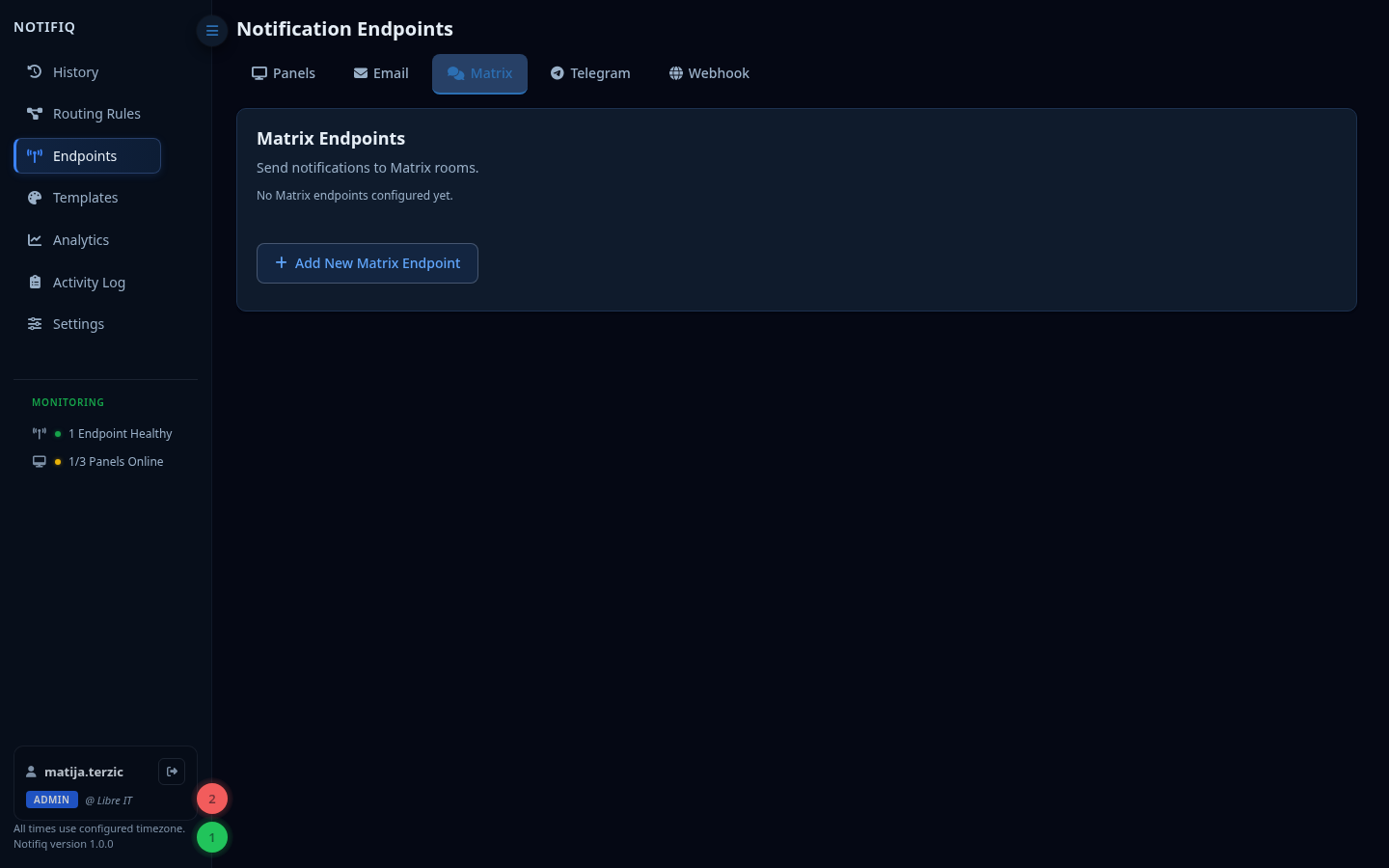
Send messages to a Matrix room.
Setup:
- Create a bot account on your Matrix homeserver
- Get an access token
- Invite the bot to your target room
- Add the endpoint with the room ID and access token
Customizable in Templates.
Telegram
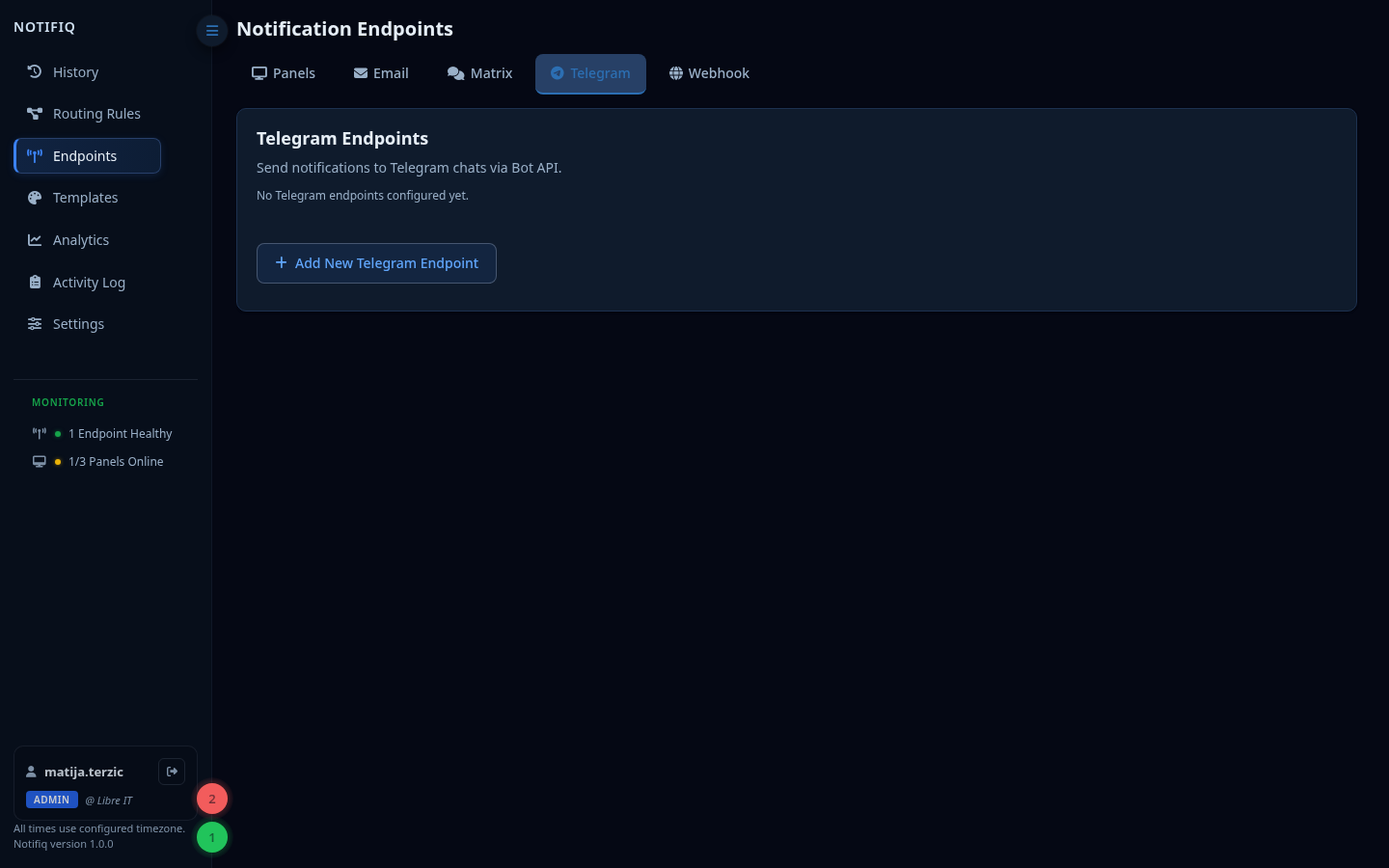
Send messages to a Telegram chat via a bot.
Setup:
- Create a bot via @BotFather
- Get the bot token
- Get the chat ID (send a message to the bot, then call
/getUpdates) - Add the endpoint in Endpoints → Telegram
Customizable in Templates.
Webhooks
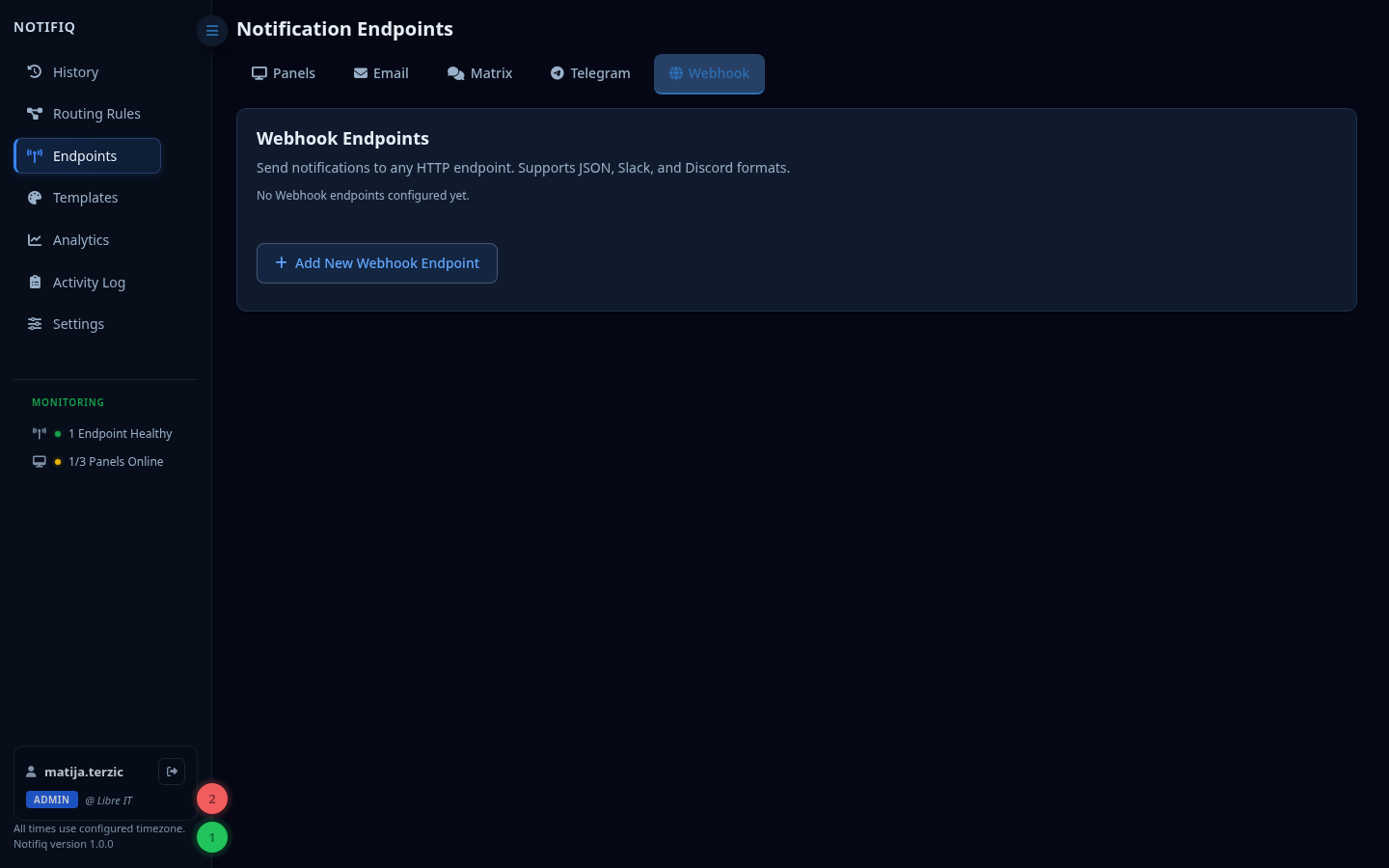
POST a JSON payload to any URL on notification delivery.
The payload includes the full message object. Use this to integrate with:
- Slack (via incoming webhooks)
- PagerDuty
- Custom automation scripts
- Log aggregators