Appearance
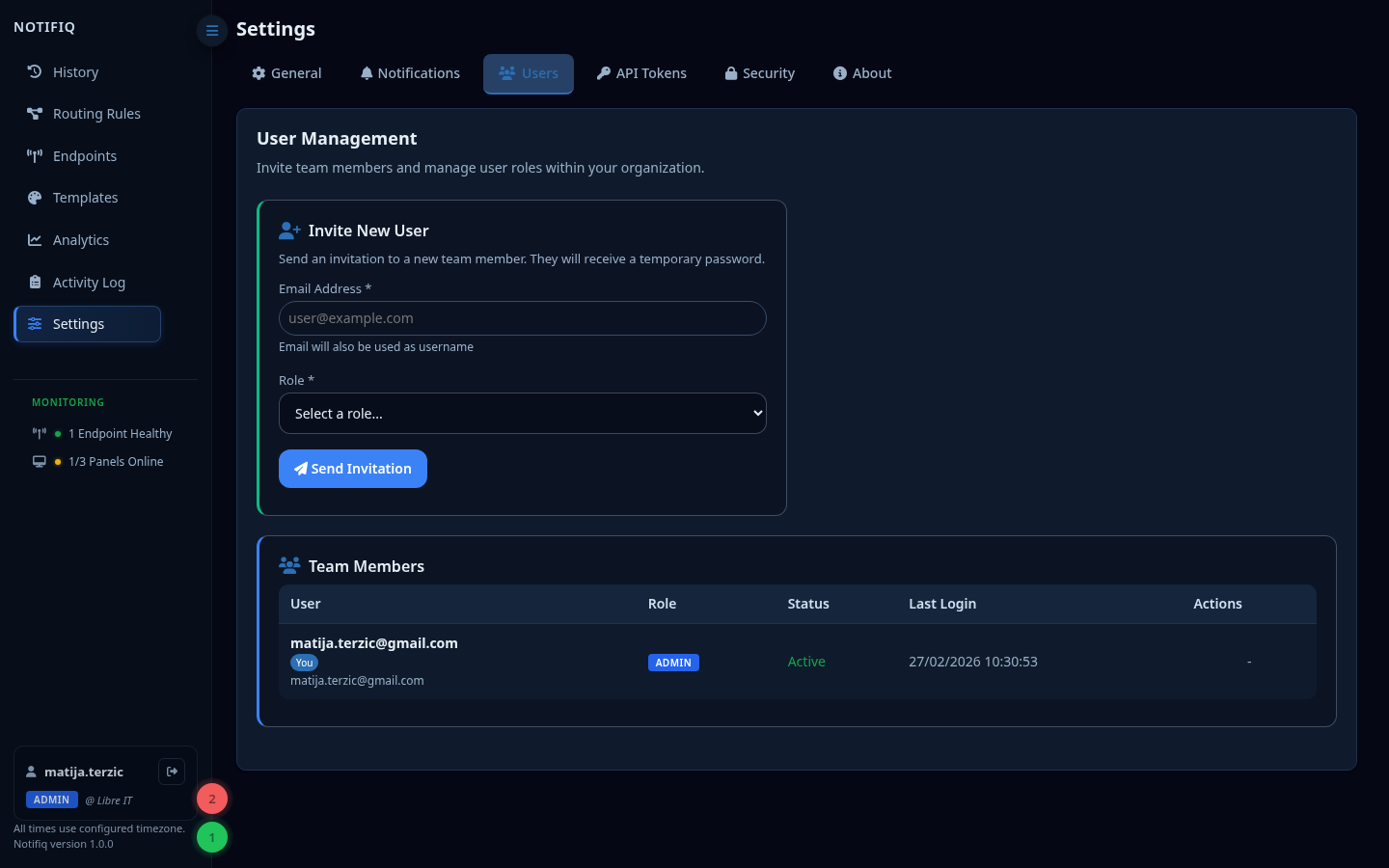
Settings — Users
Roles
| Role | Permissions |
|---|---|
| Admin | Full tenant access: manage users, endpoints, settings, send notifications |
| Operator | Send notifications, manage endpoints; cannot manage users or security settings |
| Viewer | Read-only access to History and Analytics |
Inviting users
Admins can invite users by email. An invitation link is sent via email (requires SMTP to be configured in the .env). Invited users set their own password on first login.
Two-factor authentication
Users can enable TOTP-based 2FA from their account settings. Admins can see which users have 2FA enabled and can reset it for other users.
INFO
All invited users are required to enable 2FA upon first login
Password policy
Passwords must meet a minimum complexity requirement (length, mixed case, numbers). The policy is enforced at account creation and password reset.