Appearance
Settings — Notifications
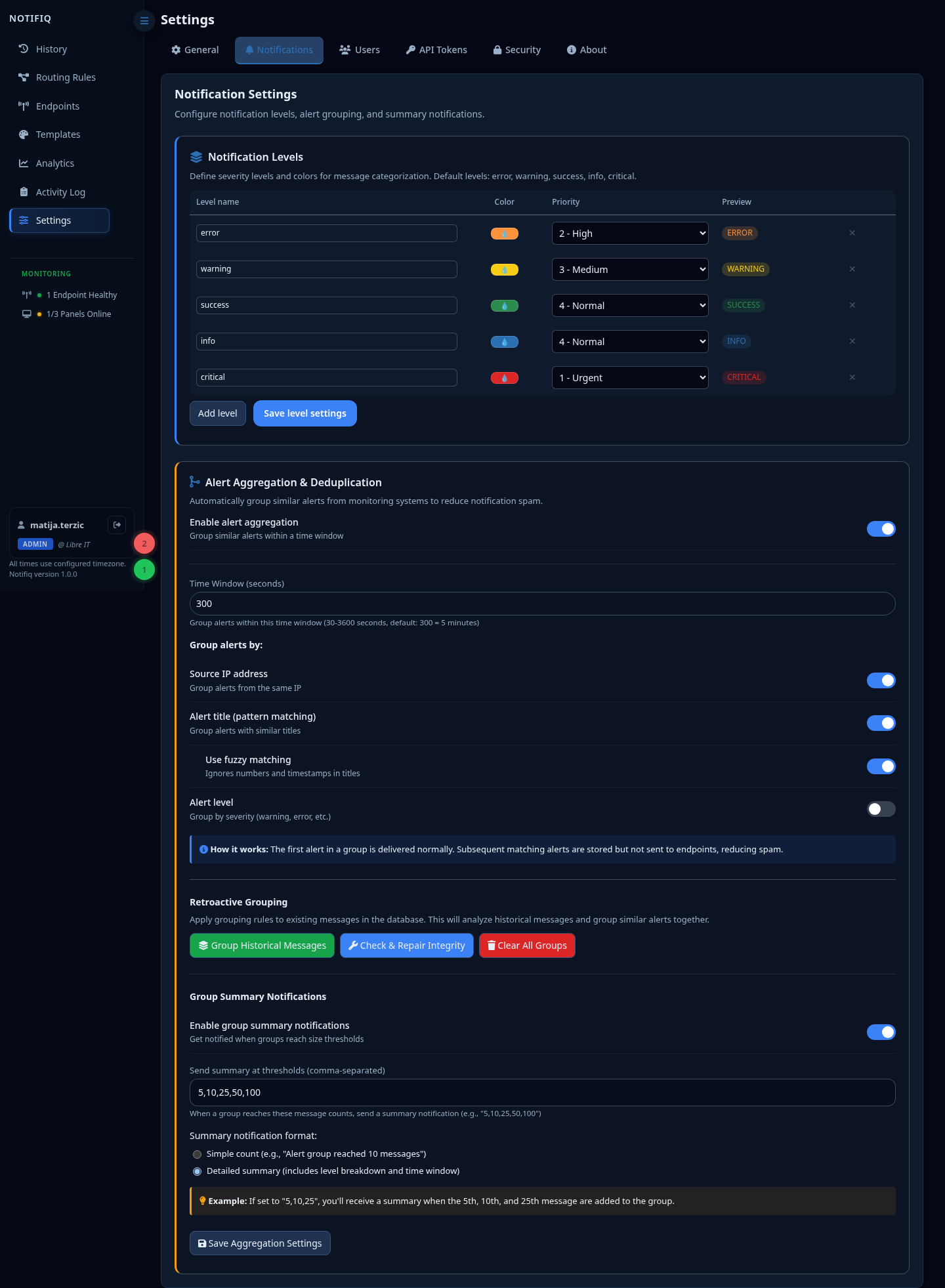
Message levels display
Configure how each severity level is presented — label, color, and icon — in the dashboard and on panels.
Grouping
Enable automatic grouping of similar repeated messages. When the same alert fires repeatedly, Notifiq collapses them into a single card with a repeat counter instead of flooding the feed.
Configure the grouping window (how close together two messages must be to be grouped) and which attributes must match: Source IP (auto-detected connection IP), IP and Host (the sender-supplied ip/host payload fields — useful when multiple hosts sit behind one proxy/NAT and share a single Source IP), Alert title (with optional fuzzy matching), and Alert level.